


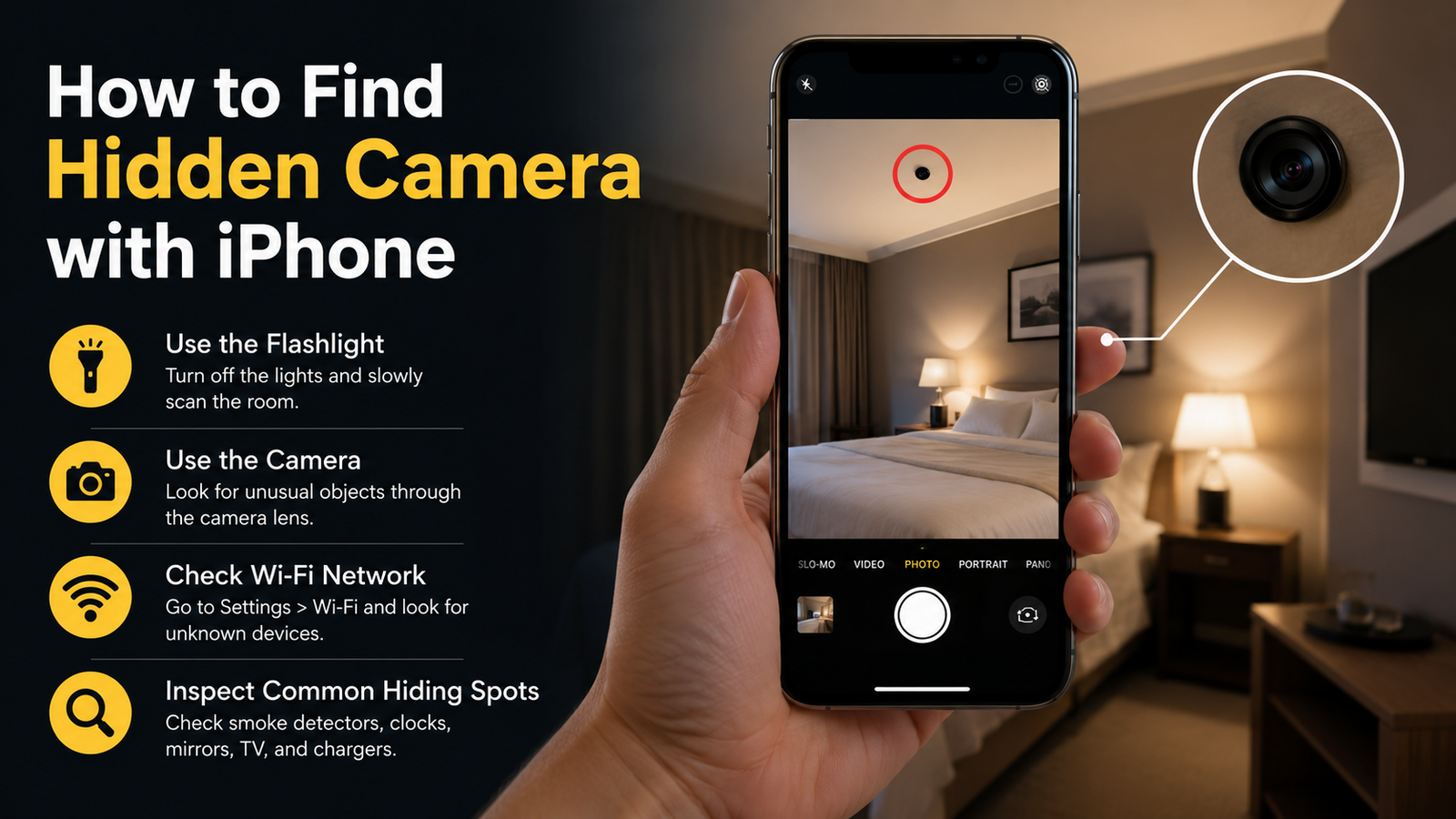
Privacy has become more important than ever, especially when staying in hotels, vacation rentals, changing rooms, or unfamiliar places. Many people wonder how to find hidden camera with iPhone without purchasing expensive detection equipment. While an iPhone cannot detect every hidden surveillance device, it does offer several features that may help you identify suspicious cameras and improve your personal security.
Knowing how to find hidden camera with iPhone can give you peace of mind while traveling or visiting unfamiliar locations. By combining your iPhone's built-in tools with careful visual inspections and practical safety habits, you can reduce the risk of hidden surveillance. Although no smartphone can guarantee the detection of every concealed camera, the methods below are trusted, practical, and easy to follow.
Why Hidden Cameras Are a Privacy Concern
Hidden cameras are often used for legitimate security purposes, but unauthorized surveillance is illegal in many countries and can seriously violate personal privacy. Small wireless cameras have become more affordable and easier to conceal inside everyday objects, making awareness increasingly important.
Common places where hidden cameras may be concealed include:
- Hotel rooms
- Vacation rentals
- Airbnb properties
- Office spaces
- Public changing rooms
- Bathrooms
- Bedrooms
- Smoke detectors
- Alarm clocks
- Power adapters
- USB chargers
- Decorative items
- Digital clocks
- Bookshelves
Most accommodations are completely safe, but performing a quick inspection can provide additional reassurance.
Can an iPhone Really Detect Hidden Cameras?
The simple answer is yes, but only in certain situations.
An iPhone cannot magically locate every hidden camera through walls or furniture. However, it can help identify certain wireless cameras, infrared lights, connected devices, and suspicious reflections when used correctly.
Its effectiveness depends on:
- Whether the camera uses infrared LEDs
- Whether it connects to a Wi-Fi network
- Lighting conditions
- Camera placement
- Whether the camera is actively transmitting
For these reasons, multiple detection methods should always be combined.
Method 1: Use Your iPhone Camera to Detect Infrared Lights
Many hidden cameras include infrared (IR) LEDs for night vision.
Although infrared light is invisible to the human eye, some smartphone cameras can display faint purple or white lights coming from these LEDs.
Steps
- Turn off the room lights.
- Open your iPhone camera.
- Slowly scan the room.
- Look for unusual blinking white or purple lights.
- Check smoke detectors, clocks, TVs, mirrors, and wall decorations carefully.
Keep in mind that newer iPhone models filter infrared more effectively, so results may vary.
Method 2: Look for Suspicious Reflections
Camera lenses reflect light differently than most household objects.
Use your iPhone flashlight while slowly scanning the room.
Pay close attention to:
- Small glass openings
- Decorative objects
- Alarm clocks
- Picture frames
- Smoke detectors
- USB chargers
- Wall hooks
- Air fresheners
Move the flashlight from different angles to identify unusual reflections.
Method 3: Scan Connected Wi-Fi Devices
Many hidden cameras connect to wireless networks.
Although not every camera appears on the network, checking connected devices can reveal suspicious electronics.
Look for device names such as:
- IP Camera
- SmartCam
- IPC
- Wi-Fi Camera
- HD Camera
- Cam
- Unknown Device
If you're staying somewhere temporarily, ask the property owner about unfamiliar devices before making assumptions.
Method 4: Listen for Electrical Noise During Phone Calls
Some users report hearing unusual interference when making calls near active electronic equipment.
Although this method is not completely reliable, you can try:
- Making a phone call
- Walking slowly around the room
- Listening for buzzing
- Noticing clicking sounds
- Paying attention to static interference
If interference repeatedly occurs near one object, inspect it more carefully.
Method 5: Carefully Inspect Common Hiding Places
Technology helps, but nothing replaces a thorough visual inspection.
Hidden cameras are often disguised inside ordinary household items.
Check carefully:
- Smoke detectors
- Carbon monoxide detectors
- Alarm clocks
- Digital clocks
- USB charging hubs
- Phone chargers
- Tissue boxes
- Air purifiers
- Mirrors
- Picture frames
- TV boxes
- Routers
- Books
- Extension cords
- Wall outlets
- Motion sensors
If an object seems out of place or unnecessarily positioned toward a bed or bathroom, inspect it more closely.
Use Your iPhone Flashlight for Better Visibility
The built-in flashlight makes inspection much easier.
Use it to:
- Illuminate dark corners
- Check behind furniture
- Inspect ceiling fixtures
- Examine decorative items
- Search vents and shelves
Take your time instead of rushing through the room.
Understand the Limitations of iPhone Detection
It is important to know what an iPhone cannot do.
Your iPhone cannot:
- Detect powered-off cameras
- Locate wired cameras hidden inside walls
- Find every spy device automatically
- Replace professional detection equipment
Because of these limitations, using several inspection techniques together produces better results.
Situations Where Extra Caution Is Recommended
Privacy checks are especially worthwhile when staying in unfamiliar environments.
Consider inspecting your surroundings when visiting:
- Hotels
- Vacation rentals
- Airbnb properties
- Rental apartments
- Shared accommodations
- Dressing rooms
- Public washrooms
- Temporary offices
A quick inspection usually takes only a few minutes.
Signs That May Indicate a Hidden Camera
While none of these signs confirm hidden surveillance, they deserve closer attention.
Watch for:
- Tiny pinhole openings
- Strange blinking lights
- Objects facing beds or showers
- Loose electrical outlets
- Unusual wires
- Recently installed decorations
- Unfamiliar smart devices
- Unexpected Wi-Fi devices
- Odd reflections
- Unexplained electronic interference
If several warning signs are noticed together, additional investigation should be performed.
What Should You Do If You Find a Hidden Camera?
If you believe a hidden camera has been discovered, avoid damaging or removing it immediately.
Instead:
- Take clear photos using your iPhone.
- Record the location.
- Leave the object untouched if possible.
- Notify hotel management or the property owner.
- Contact local authorities if unauthorized surveillance is suspected.
- Preserve any evidence that may be needed.
Your safety and privacy should always be the priority.
Additional Privacy Tips for iPhone Users
Besides learning how to find hidden camera with iPhone, adopting smart privacy habits can further reduce your risk.
Helpful practices include:
- Inspect your room immediately after arrival.
- Cover suspicious objects temporarily if necessary.
- Avoid changing clothes near unknown electronics.
- Use trusted accommodations with verified reviews.
- Keep your iPhone updated with the latest software.
- Disable unnecessary wireless connections when not in use.
- Trust your instincts if something feels unusual.
These simple habits can make a meaningful difference during travel.
Why Awareness Matters More Than Technology
Technology continues to evolve, and hidden surveillance devices have become smaller and more difficult to detect. However, awareness remains your strongest defense.
Most unauthorized cameras are discovered because someone notices something unusual rather than because advanced technology automatically detects them. By staying observant, understanding common hiding places, and using your iPhone's available features wisely, your personal privacy can be better protected.
Final Thought
Learning how to find hidden camera with iPhone is a practical step toward protecting your privacy wherever you travel. While an iPhone cannot detect every hidden camera, it can assist with identifying infrared lights, suspicious reflections, unknown wireless devices, and unusual objects when combined with careful visual inspection. Following these methods consistently can help you feel more confident in unfamiliar environments and reduce the risk of unauthorized surveillance. Staying alert, using common sense, and respecting local laws remain the most effective ways to safeguard your personal privacy.

 English
 Arabic
 French
 Spanish
 Portuguese
 Deutsch
 Turkish
 Italiano
 Russian
 Romaian
 Portuguese (Brazil)
 Greek
Greek