


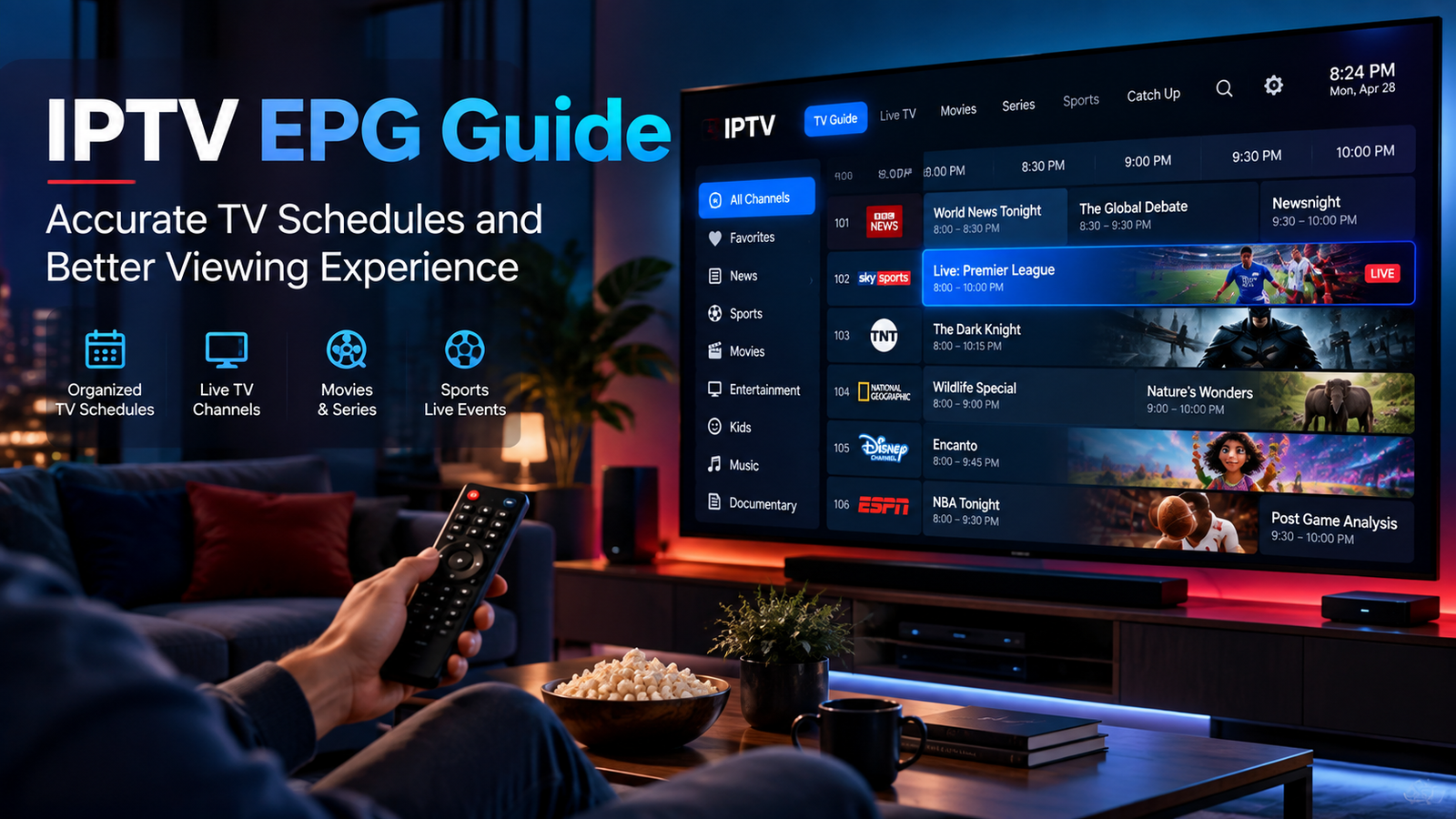
An IPTV service becomes much easier to use when you can see what is currently playing and what is coming next. This is where an Electronic Program Guide, commonly known as an EPG, becomes important.
Instead of opening channels one by one to find something to watch, an EPG organizes television schedules in a familiar guide format. It can display program names, start times, upcoming shows, sports events, movies, and other useful information.
For IPTV users, understanding how an EPG works can make everyday viewing faster and more organized.
What Is an EPG in IPTV?
EPG stands for Electronic Program Guide. It is a digital television schedule displayed inside a compatible IPTV player.
A typical guide may show:
-
Channel names
-
Current programs
-
Upcoming programs
-
Start and finish times
-
Program descriptions
-
Categories
-
Live event schedules
The exact information depends on the IPTV source and the application being used.
An EPG is separate from the video stream itself. This means channels may play correctly even if the program guide is missing or displaying incorrect information.
Why an EPG Makes IPTV Easier to Use
Imagine having hundreds of channels but no information about what is currently showing.
You would need to open each channel individually to find suitable content.
An EPG solves this problem by placing channel schedules into an organized interface.
Faster Channel Selection
Users can quickly check what is playing without constantly changing channels.
Better Sports Planning
A guide can help viewers identify scheduled football, hockey, motorsport, and other sporting events.
Easier Movie Discovery
Instead of browsing multiple entertainment channels, users can check movie titles and scheduled broadcast times directly from the guide.
Improved Everyday Navigation
Households that regularly watch live television can use the EPG much like a traditional TV guide.
How IPTV EPG Data Works
EPG information is usually supplied separately from the actual television stream.
Many IPTV systems use XMLTV data, which contains television schedule information in a structured format.
The IPTV player reads this information and connects it with the corresponding channels.
The basic process looks like this:
Channel playlist → EPG data → IPTV player → TV guide
Some IPTV subscriptions automatically connect the guide to the channel list.
Others may require users to enter an EPG URL manually.
Automatic vs Manual EPG Setup
Different IPTV applications handle program guides differently.
Automatic EPG
With an automatic setup, the guide loads when the user signs into the IPTV player.
This is generally the easiest option because little additional configuration is required.
Manual EPG
Some applications allow users to enter an XMLTV or EPG address manually.
The app then downloads the available program information and attempts to match it with the correct channels.
When setting up a service such as MONSTER IPTV, users should choose a compatible player and follow the appropriate installation information for their device and login method.
Why Is My IPTV EPG Not Working?
A missing guide does not always mean that the IPTV service itself has stopped working.
Several different issues can cause EPG problems.
The Guide Has Not Refreshed
EPG information may need to be refreshed periodically.
Look inside the IPTV application settings for options such as:
-
Refresh EPG
-
Update TV Guide
-
Reload Data
-
Sync Guide
The wording varies between applications.
Incorrect EPG Source
If an EPG URL has been entered manually, check that the address is complete.
Even one missing character can prevent the application from downloading the guide.
Channel Mapping Problems
The IPTV application needs to match program information with the correct channel.
When channel identifiers do not match the EPG data, the video may work while the guide remains empty.
Internet Connection Problems
The IPTV player needs internet access to retrieve updated schedule information.
A temporary connection problem can therefore prevent an EPG refresh.
Check Your Device Time and Time Zone
One of the easiest IPTV EPG problems to overlook is an incorrect device clock.
If the Smart TV, streaming box, computer, or mobile device uses the wrong time zone, programs may appear several hours early or late.
Users in Sweden, for example, should ensure that their device is configured for the correct local time.
Automatic date and time settings are generally useful because they reduce the risk of manual clock errors.
How Often Should You Refresh the EPG?
There is usually no reason to refresh a working program guide constantly.
Many applications update EPG information automatically at regular intervals.
However, manually refreshing can be useful when:
-
Program information disappears
-
Several channels show no schedule
-
Times appear outdated
-
New channels have been added
-
The IPTV playlist has recently changed
If the guide works normally, allowing the app to manage updates automatically is usually the simplest approach.
EPG Features to Look for in an IPTV Player
Not every IPTV player presents television schedules in the same way.
When comparing applications, look for features that make the guide easier to use.
Grid View
A grid displays several channels and their schedules at the same time.
This layout is similar to traditional cable and satellite television guides.
Current and Next Programs
Some players display the current program and what comes next directly beside each channel.
This can make channel browsing faster.
Search
Search functionality allows users to find specific programs, movies, or events without scrolling through the entire guide.
Program Information
More advanced guides may display program descriptions, start times, duration, and additional information.
Favorites Integration
Combining an EPG with a favorites list can create a much cleaner interface.
Instead of loading hundreds of channels, users can focus on the channels they watch most often.
Organize Your IPTV Guide
Good organization can make a large IPTV setup easier to manage.
Consider creating favorites or categories for:
Swedish Channels
Keep frequently watched local television together.
Sports
Group football, hockey, motorsport, and other sports channels.
Movies
Organize movie and entertainment channels into a separate section.
News
Create a quick-access category for preferred news channels.
Children's Content
Households with children can organize suitable channels separately where the player supports this feature.
EPG on Smart TVs
Smart TV IPTV applications usually display the program guide directly through the television interface.
Because navigation is controlled with a remote, choose an application with a clean and responsive EPG layout.
Large menus and simple channel grids are often easier to use from a sofa than complicated interfaces designed primarily for touchscreen devices.
EPG on Android TV and Streaming Boxes
Android TV and similar platforms provide a wide selection of IPTV players.
Some offer advanced EPG customization, including:
-
Different guide layouts
-
Channel sorting
-
Custom categories
-
Favorites
-
Guide refresh intervals
-
Multiple EPG sources
These features can be useful for users who want more control over how their channel list is organized.
Keep Your IPTV Player Updated
An outdated application can sometimes create problems with playlist loading, guide synchronization, or general performance.
Check periodically for updates to:
-
IPTV player
-
Smart TV software
-
Streaming box operating system
Updates can provide compatibility improvements and bug fixes.
Do Not Confuse EPG Problems With Streaming Problems
This distinction is important.
If the channel plays normally but no program title appears, the issue is probably related to EPG information.
If the guide works but the video constantly freezes or buffers, the problem is more likely related to the stream, internet connection, network, or playback device.
Identifying which part is actually failing can save time during troubleshooting.
Final Thoughts
An Electronic Program Guide can transform a long IPTV channel list into a much easier television experience.
Instead of searching randomly through channels, viewers can check current programs, upcoming broadcasts, movies, sports schedules, and other content from one organized interface.
For the best results, use an IPTV player with good EPG support, keep the device clock correct, refresh program information when necessary, and organize frequently watched channels into favorites.
A properly configured EPG does not just make IPTV look more organized. It helps viewers spend less time searching and more time watching the content they actually want.

 English
 Arabic
 French
 Spanish
 Portuguese
 Deutsch
 Turkish
 Dutch
Dutch
 Russian
 Romaian
 Portuguese (Brazil)
 Greek
Greek